 Petnow
 SDK Overview
Introduction to Petnow SDK structure and core features.
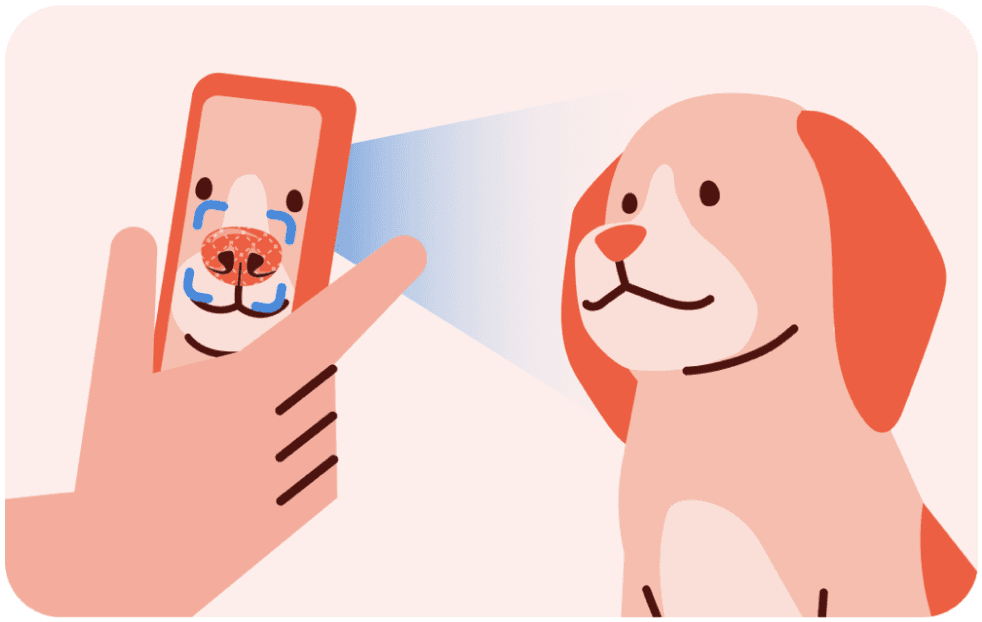
What is Petnow SDK?
Petnow SDK is a framework that enables easy integration of pet biometric verification/identification features into mobile apps.
Core Features
- Dog/Cat Unique Biometric Extraction: High-performance on-device AI for biometric data extraction
- Biometric Verification/Identification: Pet authentication using biometric information
- Real-time Guidance: Visual feedback for optimal capture
Who needs this?
- Developers who want to add pet registration/authentication features to their app
- Teams who want to improve pet verification/identification accuracy in existing apps
- Businesses providing pet biometric verification/identification as a B2B service
SDK Structure
The Petnow mobile SDK provides the on-device capture UI. Server communication (image upload, registration, verification/identification) is performed by your app server calling the Petnow Server REST API.
Module Description
UI Module
Handles camera UI and biometric data extraction — the mobile module you integrate into your app.
- Features: Real-time detection, progress display, overlay guide, returns captured image files
- Dependencies: Camera Module (internal)
Camera Module
Biometric extraction engine (internal module, not directly accessible)
- Features: ML inference, image processing, quality check
Server communication
Image upload, pet registration/management, and verification/identification are handled not by the mobile SDK but by your app server calling the Petnow Server REST API. Keep the key your server calls with (x-petnow-api-key) on the server. The SDK needs a key of its own on the device, so issue a separate one for the app instead of shipping the server key — see the API Key Security section of your platform's guide.
Typical Usage Flow
How Capture Quality Is Decided
The camera SDK decides on the device whether a frame is good enough to keep. When a frame does not meet the bar, the SDK reports the reason through the detection status, so your app can tell the user what to change. The decision is made on the device: once the camera is open, capture does not wait on the network.
What does need the network:
| Step | Network | Notes |
|---|---|---|
initializeCamera() — license validation | Yes, once per API key per process | The SDK calls the server to validate the key. A rejected key or an unreachable server fails with InvalidLicense and the camera is not opened. A key validated earlier in the same process is not re-validated, so later sessions in that process do not repeat the validation round trip. The validation result is not persisted across app restarts. |
Capture (startDetection() → result) | Not waited on | Detection, quality checks and the returned image files are all local. The SDK reports usage metrics in the background; that never blocks a capture or makes one fail. |
| Upload / register / verify / identify | Yes, from your app server | See Server API. Captured files can be kept on the device and uploaded later. |
For field work in places without coverage: validate the license while connected (open the camera once after app launch), keep the app process alive, and upload the captured files when connectivity returns. The next app launch needs the network again for the first initializeCamera().
Next Steps
First, issue your API key and SDK distribution credentials from the Petify Console (usable immediately after sign-up). Then start integrating with the platform-specific guides:
- [Petify Console] - Issue credentials & manage usage (start here)
- [iOS SDK] - iOS app integration guide
- [Android SDK] - Android app integration guide
- [React Native SDK] - React Native app integration guide
- [Web Integration] - Provide the capture flow through a web link, without app integration